Games Room
The games room lets you play mini games inside of Minecraft. Games include Pong, Tic Tac Toe (Noughts and Crosses), Stone Magma Ice (Rock Paper Scissors) and Tetris.
For Pong and Tetris the TARDIS_Zero_Room must be enabled. Use the /tardisconfig zero_room true command to enable the world.
TARDIS Gaming Computer
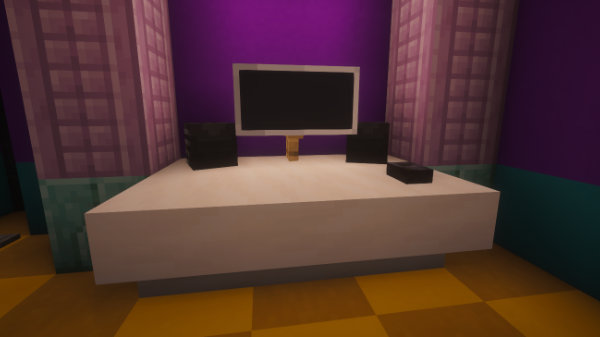
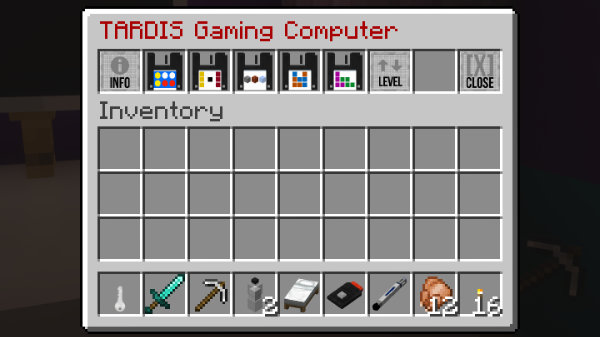
The games room contains a gaming computer - right-clicking the computer mouse (the polished blackstone button) opens the TARDIS Gaming Computer GUI. Click a game disk to start playing a game.
Connect Four
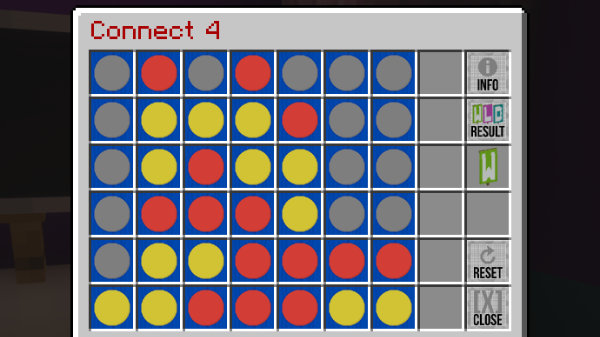
Connect four of your tokens in a row while preventing the TARDIS from doing the same.
Playerplays red tokens (red concrete powder).TARDISplays yellow tokens (yellow concrete powder).
To play:
- Click a slot at the top of a column to drop a block.
- The TARDIS will choose shortly after.
- Continue taking turns to drop tokens into a column.
- First to connect four blocks wins!
Click the reset button to play again.
Pong
Control a paddle by moving it vertically across the left side of the 'screen'. Hit the moving ball back and forth. The goal is to reach eleven points before the TARDIS; points are earned when either side fails to return the ball.
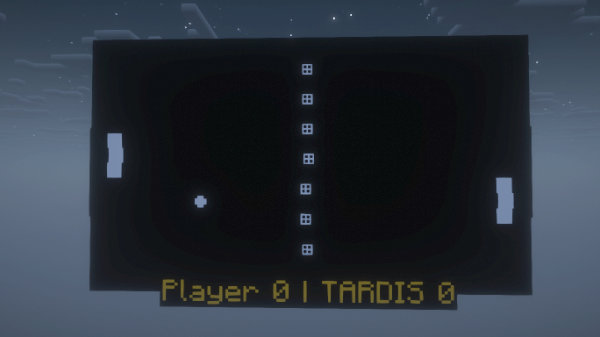
When starting the game, you will be teleported to the ARCADE room facing the game screen.
To play:
- press the jump key (usually
space) to start the game. You can also pause the game by pressing the key again. - press the move forward key (usually
W) to move your paddle up. - press the move backward key (usually
S) to move your paddle down. - press the sneak key (usually
shift) to leave the game.
For every three points the player earns, the game speeds up.
Tetris
The quintessential Minecraft block drop game ;)
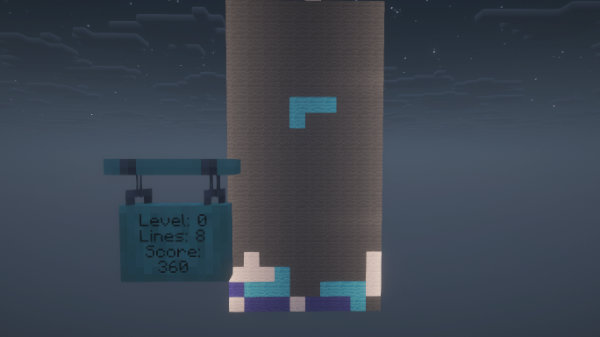
When starting the game, you will be teleported to the ARCADE room facing the game screen.
You can set the level of the game before starting with the Level button in the GUI.
To play:
- press the jump key (usually
space) to rotate the falling block shape counter-clockwise. - press the move forward key (usually
W) to rotate the falling block shape clockwise. - press the move left key (usually
A) to move the falling block shape left. - press the move right key (usually
D) to move the falling block shape right. - press the move backward key (usually
S) to move the falling block shape down. - press the sneak key (usually
shift) to leave the game.
Block shapes must be neatly sorted into a pile. Once a horizontal line of the game board is filled in, it disappears, granting you points.
Do your best to exit the ARCADE room cleanly before logging off or before a server restart to avoid being trapped in the TARDIS_Zero_Room world. The plugin will do its best to detect if you are there, and teleport you back to your games room on re-logging, but is not perfect! In an emergency use the command /tardis arcade return.
Tic Tac Toe
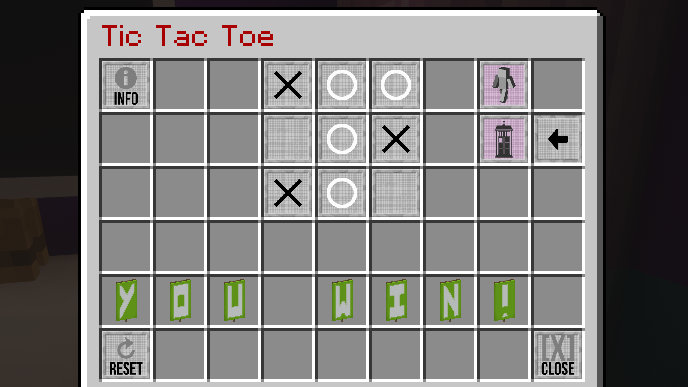
The classic 3 x 3 grid game Minecraft style.
Click an empty slot to place your mark. The TARDIS will choose soon after.
PLAYERis noughts (cyan glazed terracotta).TARDISis crosses (red glazed terracotta).
Click the reset button to play again.
A player wins when they mark all three spaces of a row, column, or diagonal of the grid.
Stone Magma Ice
Based on a typical "Rock Paper Scissors" game.
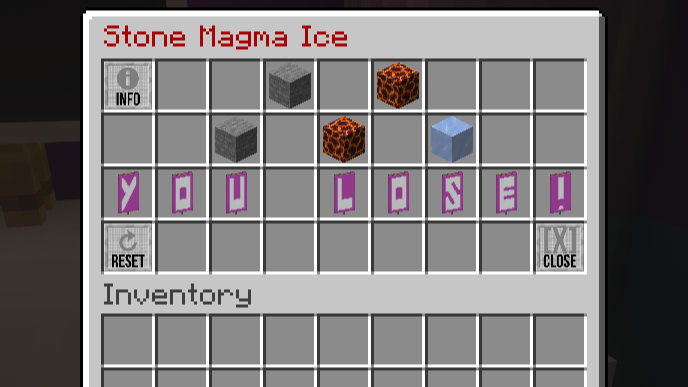
Click the (stone, magma or ice) block to make your choice. The TARDIS will choose at the same time.
The winner is decided by:
STONEsmashesICEICEcoolsMAGMAMAGMAmeltsSTONE
Click the reset button to play again.