Architectural Reconfiguration Room
If the blueprints module is enabled, the Architectural Reconfiguration room lets you clone room blueprint disks and give them to other players.
Architectural
- vanilla
- tardis
Blueprints
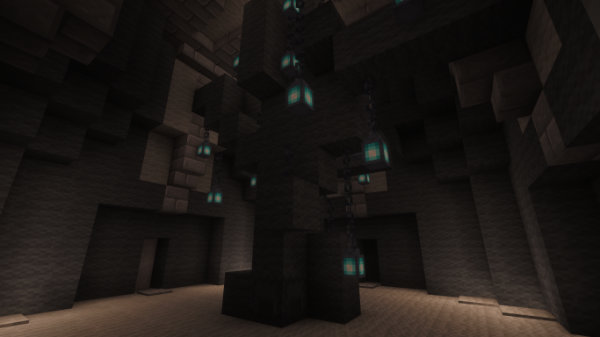
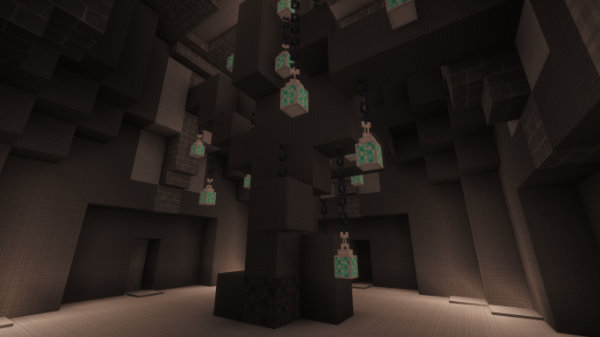
To access the Architectural Blueprints GUI, right-click the gray shulker box at the base of the Architectural Reconfiguration System tree. As well as showing you what room blueprints you have collected, you can also share blueprints with other players.
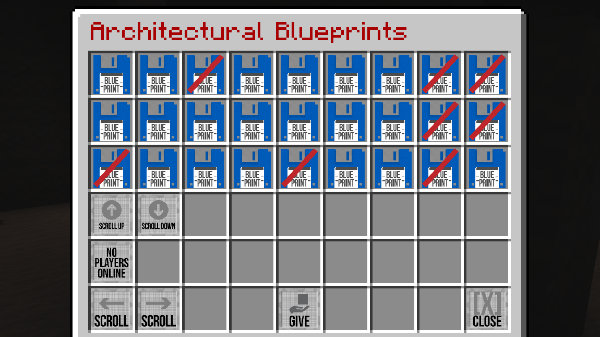
To give a blueprint disk to a player:
- Click the disk you want to clone.
- Click the player head for the player you want to give the disk to.
- Click the Give button.
warning
- You can only give disks that you have activated yourself.
- You can only give disks to online players.
Fun fact
Each Architectural Reconfiguration System tree is a fractally generated creation that is unique to each TARDIS.