Customise the console
As of version 6.3.1 you can customise the modeled TARDIS console and time rotor.
tip
You must already have a modeled console and/or time rotor for changes to take affect.
Change the console and time rotor models
- Open the TARDIS Control Menu
- Click the Desktop Theme button
- Click the Customise Console button
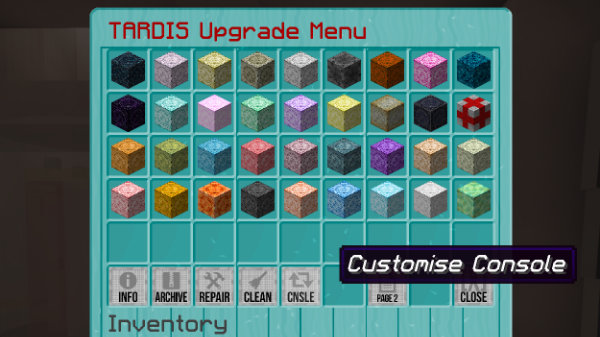
The Customise Console GUI will open.
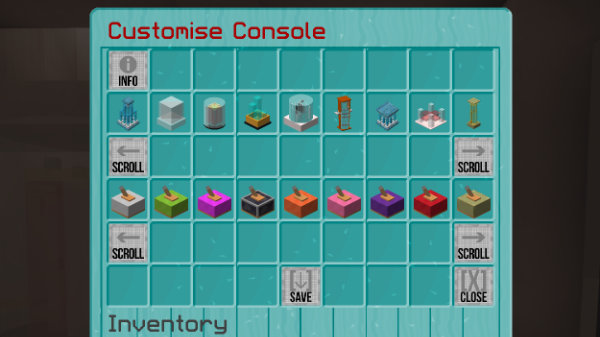
- Use the scroll buttons to find the time rotor and console you want - all custom time rotors and consoles will appear in the rows
- Click on the time rotor / console to select them
- Click the Save button to apply your changes
Adding new options
Check out these pages: