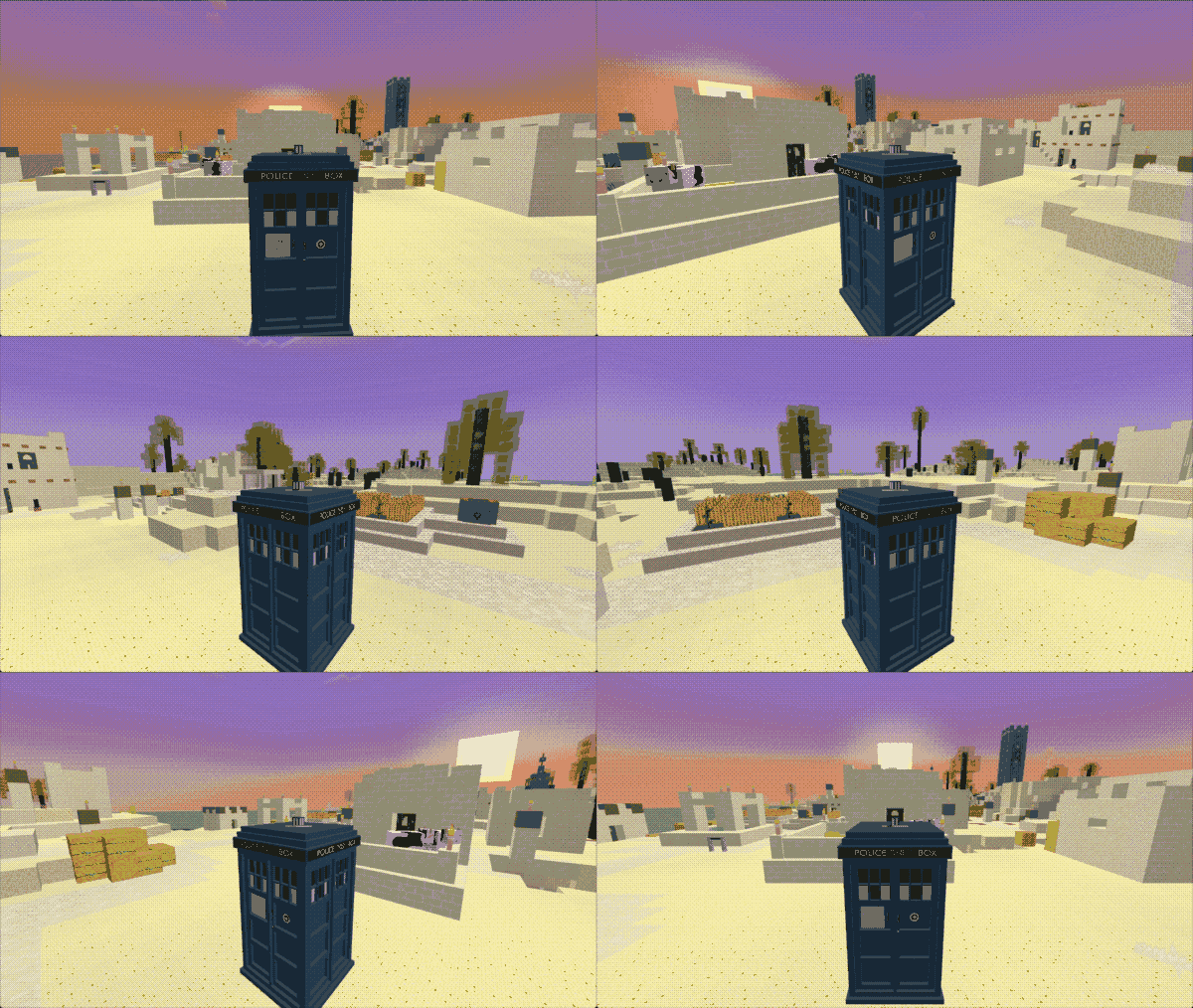
TARDIS Monitor
The TARDIS Monitor lets you view the world outside your TARDIS exterior.
To refresh the view click the keyboard and levers.
Adding the monitor to your TARDIS
The monitor requires two item frames to be placed adjacent to each other.
- Craft a TARDIS Monitor -
/tardisrecipe monitor
| Ingredients | Crafting recipe | Difficulty |
|---|---|---|
| Map Glass Pane Redstone | map  redstone  map redstone glass pane  redstone map redstone map  tardis monitor  | easy |
| Map Tinted Glass Redstone Block | map redstone block  map redstone block tinted glass  redstone block map redstone block map tardis monitor | hard |
-
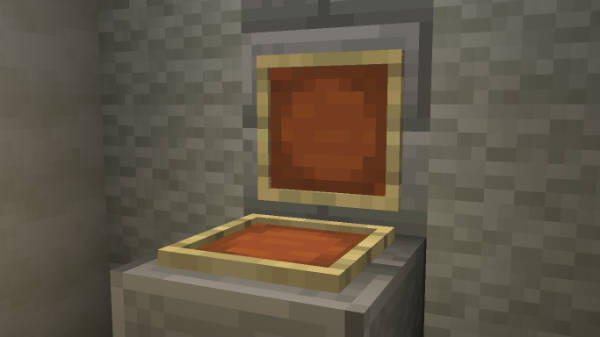
Place an item frame against a wall or other block and put the monitor in the frame
-
Craft a Monitor Frame -
/tardisrecipe monitor-frame
/trecipe monitor-frame
| Ingredients | Crafting recipe | Difficulty |
|---|---|---|
| Blackstone Glass Pane Redstone | blackstone  blackstone blackstone blackstone glass pane blackstone blackstone redstone blackstone monitor frame  | easy |
| Blackstone Tinted Glass Redstone Block | blackstone blackstone blackstone blackstone tinted glass blackstone blackstone redstone block blackstone monitor frame | hard |
- Place an item frame facing up in front of the TARDIS Monitor item frame and put the monitor frame in
- Rotate the frame if necessary
- Run the
/tardis update monitorcommand and then click the monitor - Run the
/tardis update monitor-framecommand and then click the monitor frame
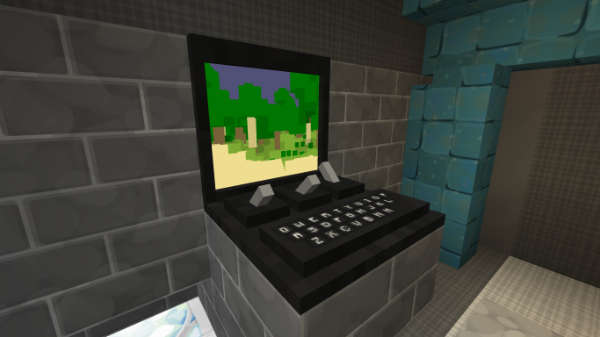
TARDIS external camera
If players have the permission tardis.camera, they can right-click the monitor frame while sneaking to view the actual exterior.
This feature is only available when the TARDIS exterior is using an armour stand custom model Chameleon preset.
Press the Shift key to dismount and return to the TARDIS interior.