Geyser
The Geyser plugin for Paper servers allows Bedrock players to connect to Java servers.
Bedrock Resource Pack
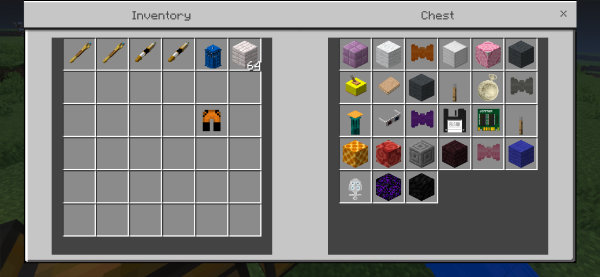
The TARDIS plugin can install custom item mappings and a Bedrock resource pack to Geyser so that Bedrock players can see TARDIS items and monsters, and hear TARDIS sound effects. Geyser will automatically serve the pack to Bedrock players when they connect to the server.
To install the mappings and pack, use the command:
/tardisadmin install_geyser
Updating the resource pack on Minecraft Bedrock devices
Bedrock clients cache downloaded server resource packs. If the TARDIS Bedrock Resource Pack receives updates, the new pack will need to be re-downloaded. To force a re-download you will need to remove the cached pack first.
The following screenshots show Minecraft on an iOS device, but the steps should be similar for other devices.
-
Save and exit from the server / level
-
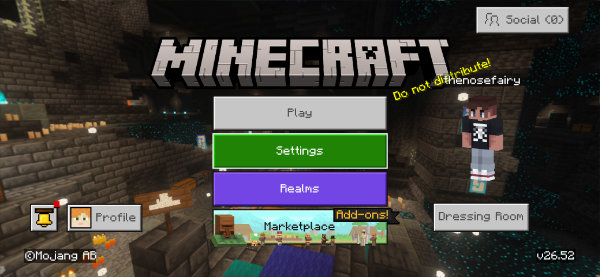
Open Settings
-
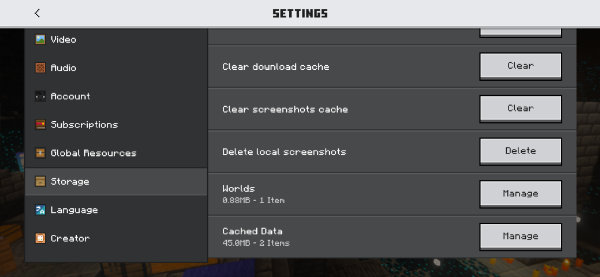
Find the Storage setting
-
Scroll down to Cached Data
-
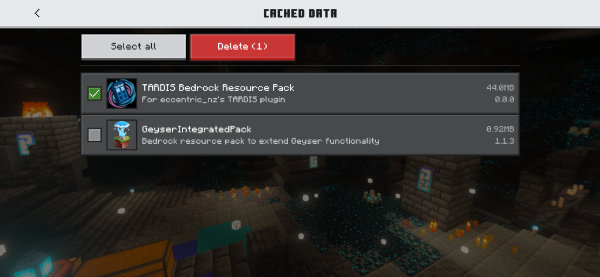
Select the TARDISBedrockResourcePack
-
Delete the pack
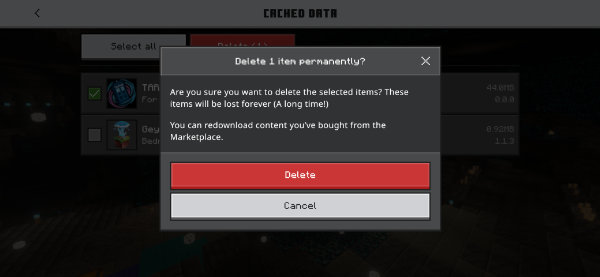
-
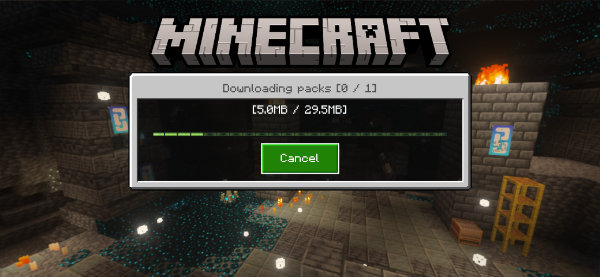
Reconnect to the TARDIS plugin server again, the updated resource pack will download
Interacting with modelled exterior Chameleon presets
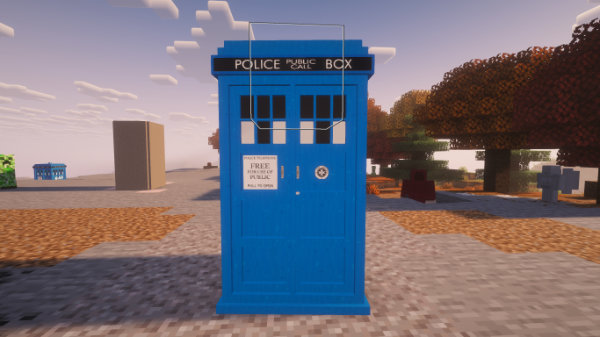
On Java, exterior modelled Chameleon presest use interaction entities to detect player clicks. Bedrock does not have interaction entities like Java does, so to compensate invisible slimes are spawned so that Bedrock clicks can be detected.
-
Slimes are only added to exteriors belonging to Bedrock players
-
The slime is positioned two blocks above the ground, so that players can still walk into the TARDIS
-
Slimes are:
- Size 2
- No AI
- No gravity
- Silent
- Invisible
- Invulnerable
- Persistent, while the TARDIS is at that location